
Workspace settings
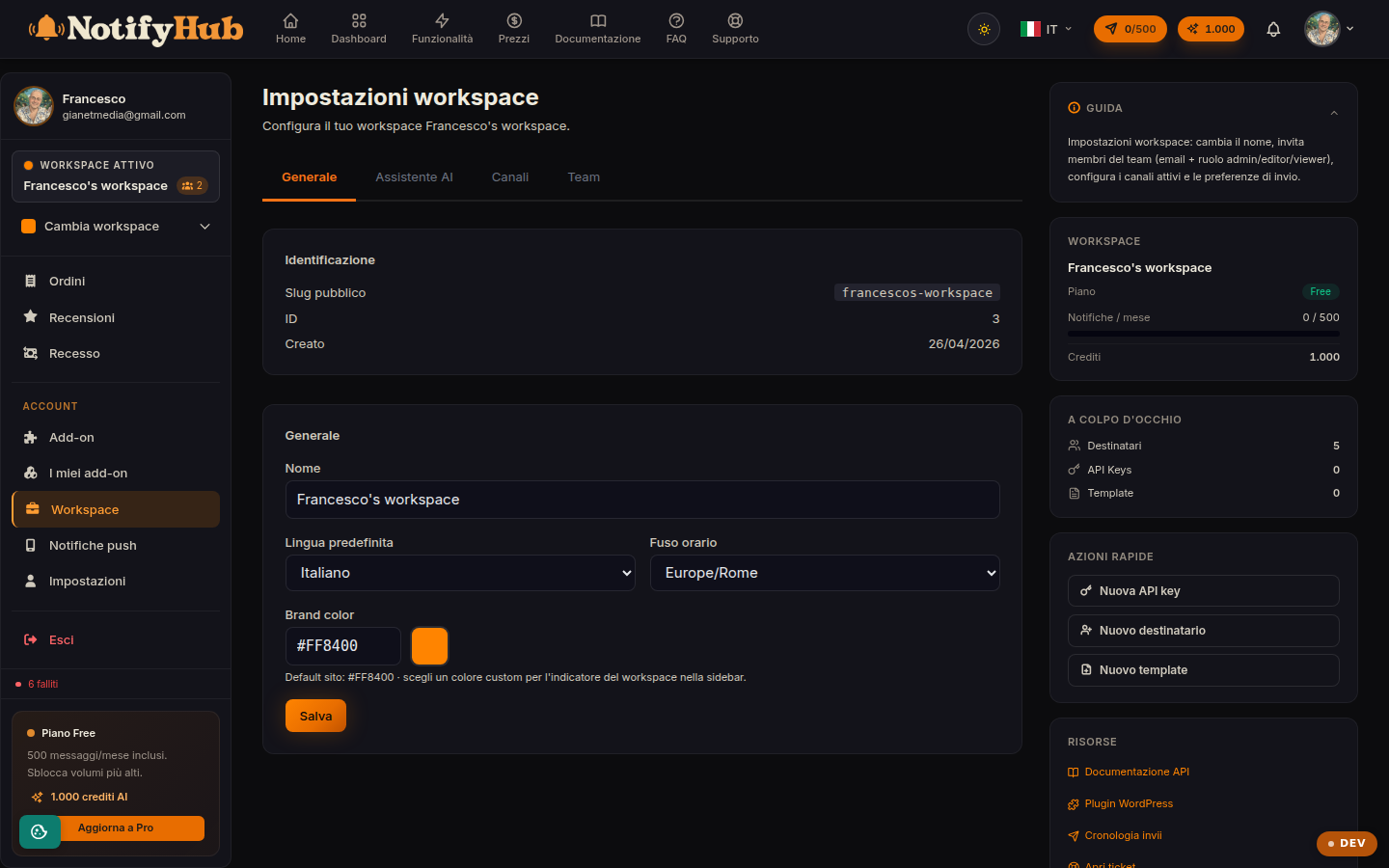
The workspace configuration: general details, AI assistant behaviour and team members.
Key points
- Fill in the business description carefully: it is the basis the AI uses to introduce itself and answer customers.
- Set the handoff keywords (e.g. "agent", "human") so the chat is handed over to a person when the customer asks.
- Start from an AI configuration template and refine it: tone, length and confidence threshold are tuned over time.
What this page is for
Workspace settings gather the configuration of the active working environment: the workspace name and general details, the AI assistant configuration and member management. Only workspace administrators can access it and save changes.
Configuring the AI assistant
The AI section defines how the assistant replies: business description and owner name (used in the replies), system prompt, reply tone and length, temperature and token limit, the confidence threshold below which the AI hands over and the handoff keywords that immediately transfer the conversation to an agent. The link to the Knowledge Base tells the AI where to draw its information from.
Members and roles
From here you invite new members via email by assigning a role, and you edit or remove existing members. The roles (viewer, editor, admin, owner) determine what each person can do in the portal: full team management, with the permissions matrix, is on the Team page.