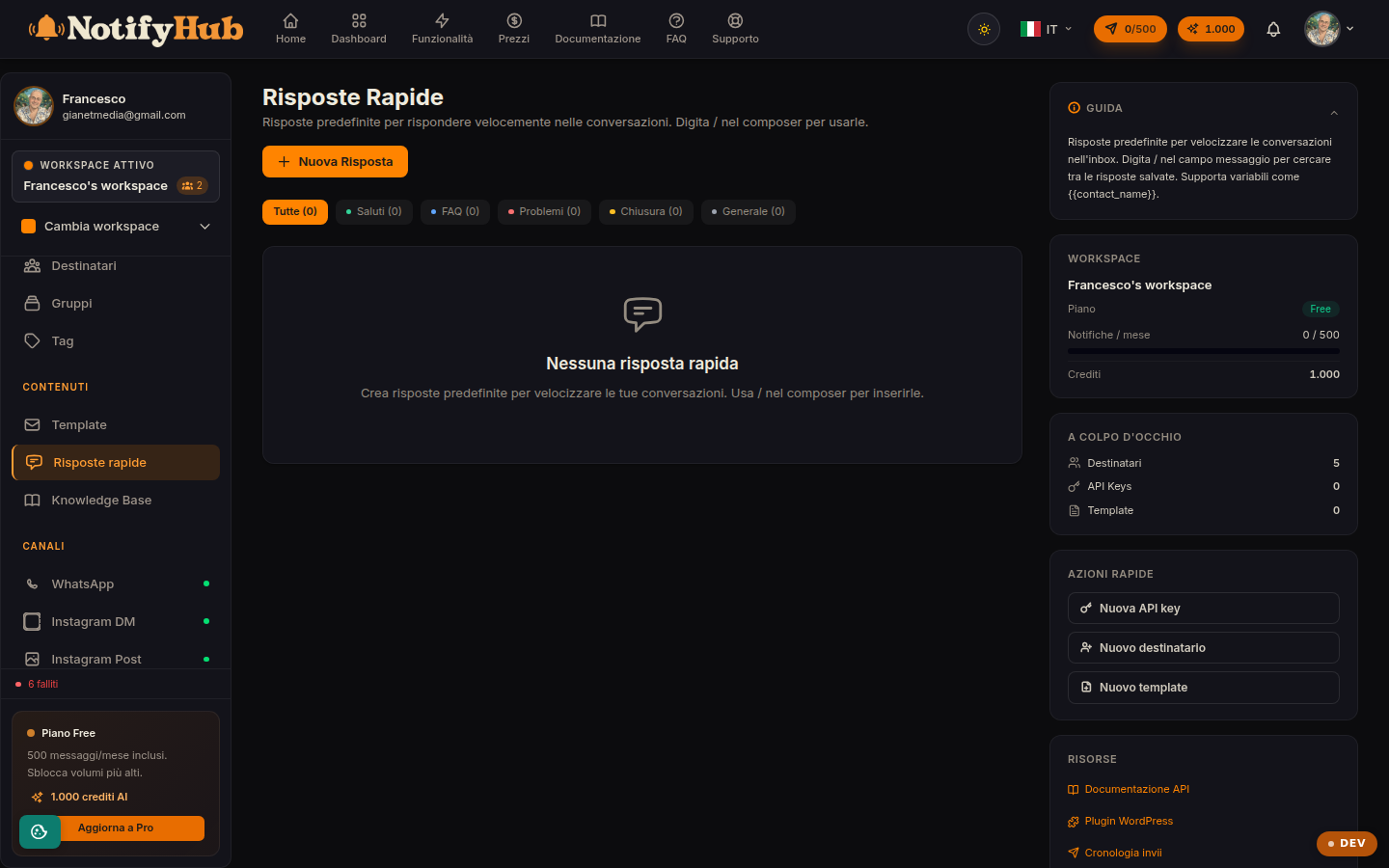
Predefined replies with a shortcut: answer frequently asked questions in a couple of keystrokes.
Key points
Give each reply a short, memorable shortcut: in the composer you call it up by typing /.
Organise by category (greeting, FAQ, issue, closing) to find them instantly.
Use variables in the text to insert the contact's data automatically.
What this page is for
Quick Replies are predefined messages the team uses in Conversations to reply without rewriting the same text every time: greetings, answers to frequently asked questions, handling of common issues, closing lines. The usage counter shows which replies are really earning their keep.
How to use it
Create a reply with a title, content, category and shortcut. In Conversations, typing / in the composer brings up the list of replies: you pick the right one and the text is inserted, with the variables already replaced with the contact's data. From the list on this page you can edit or delete existing replies and filter them by category.