
Deliveries
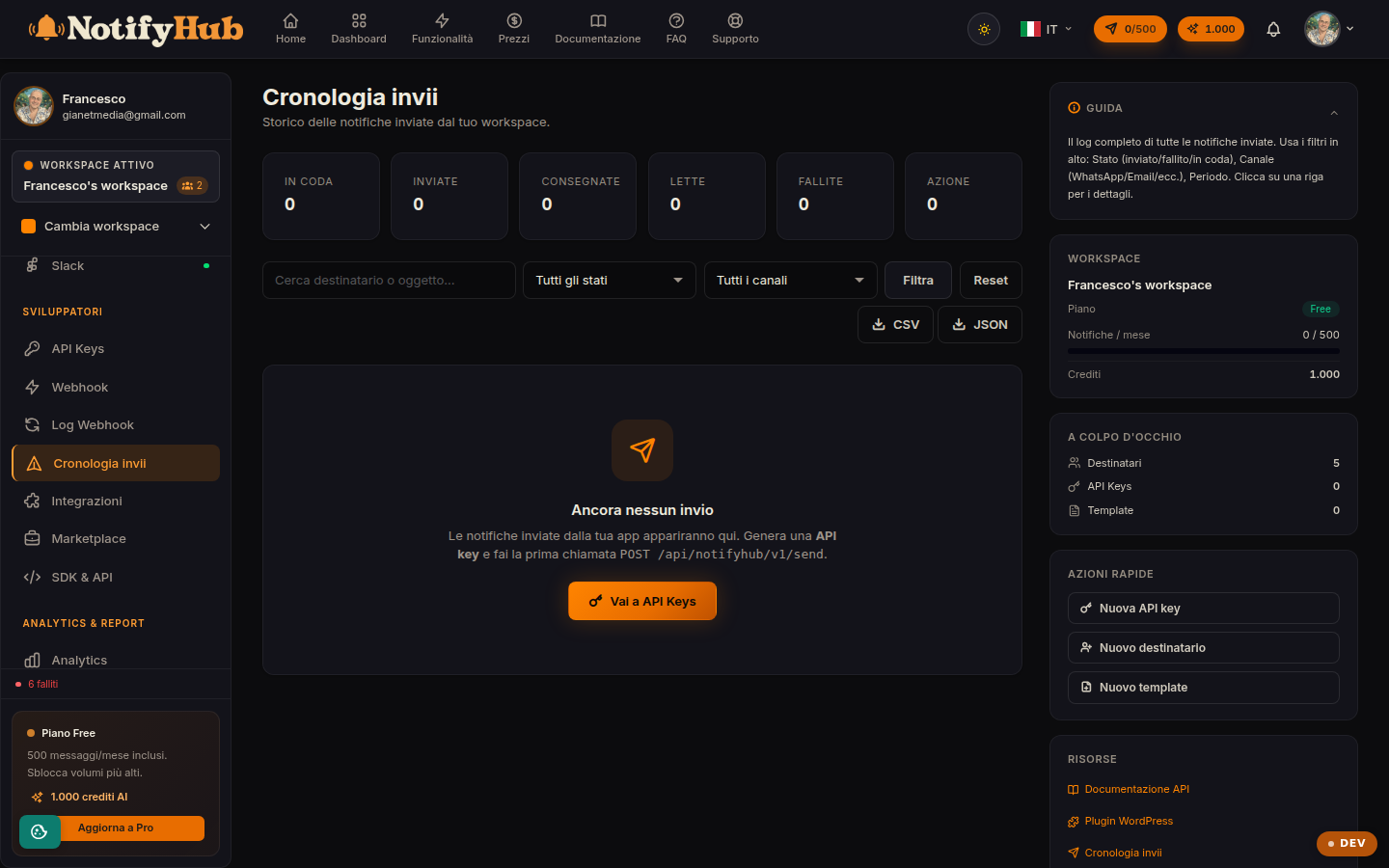
The log of every notification sent: status, channel, recipient and the detail of each delivery.
Key points
- Filter by "failed" status to immediately spot the deliveries that need fixing.
- Open a delivery's detail view to see the error returned by the channel: it often points to the exact cause.
- Export to CSV or JSON when you need to analyse sends outside NotifyHub or keep them for auditing.
What this page is for
Deliveries is the complete history of notifications sent from the workspace, whatever their origin: campaigns, automations, scheduled messages or API calls. Each row shows the recipient, channel, template used, status and time of the send.
How to use it
Search by recipient and filter by channel or status to isolate the sends you care about. The detail view of a single delivery shows the content sent, the sequence of statuses and any error message from the provider. Failed deliveries can be retried with the retry action.
Export and integration
The export buttons download the filtered list as CSV or JSON. If you want to receive status updates in real time in your own system, instead of checking this page, configure an endpoint in the Webhooks section: NotifyHub will call your server on every status change.