
API Keys
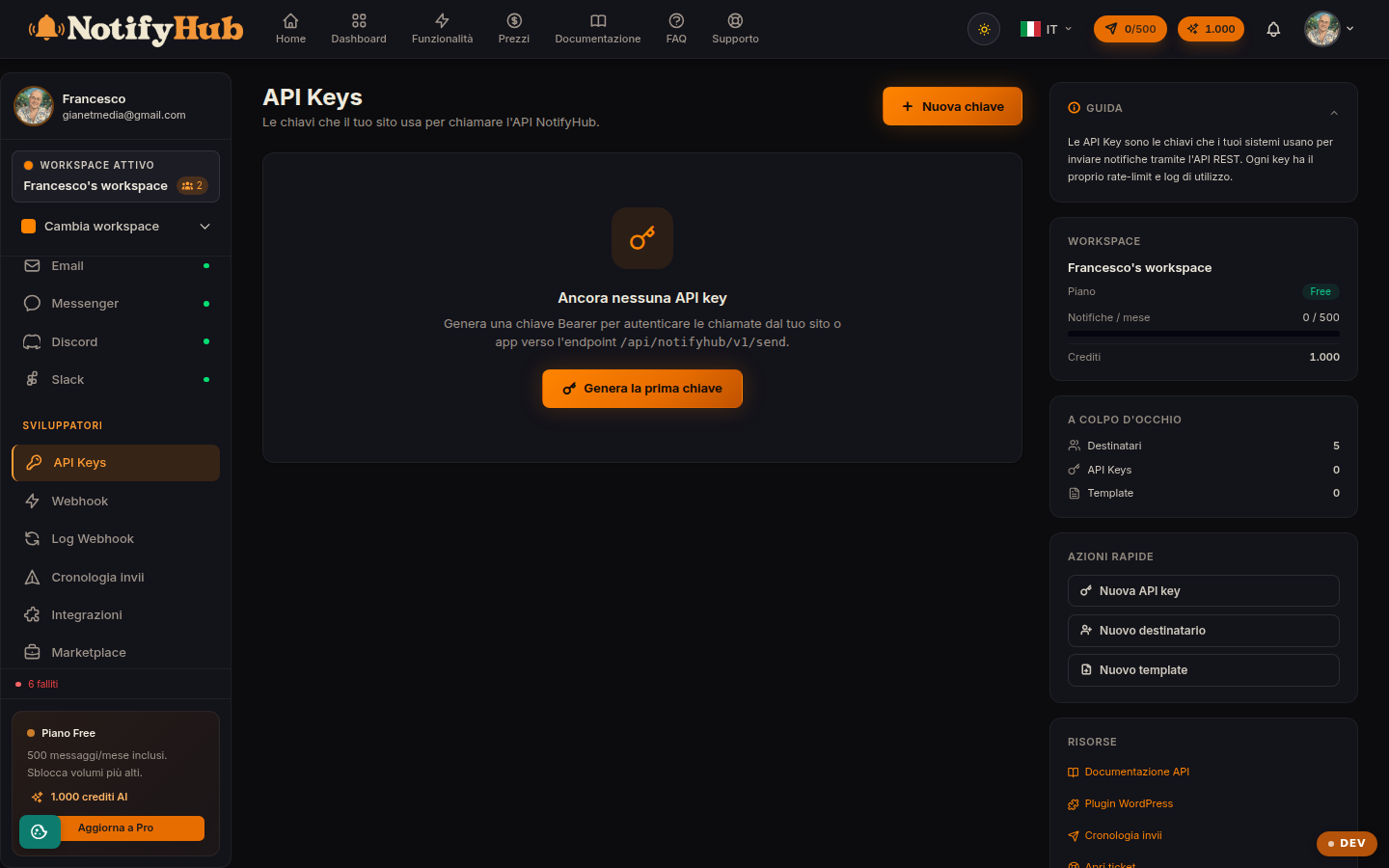
The keys your sites and systems use to call the NotifyHub API, with each key's limits and status.
Key points
- Create one key per calling system (site, back office, script): you will be able to revoke them individually.
- The full key is only shown at creation: save it somewhere safe right away.
- Rotate keys periodically and immediately revoke any key you suspect is compromised.
What this page is for
API Keys (sources) authenticate calls to the NotifyHub REST API: each key represents a system that sends notifications or manages contacts via the API. The table shows the name, key prefix, rate limit, status (active/revoked) and last use — the latter is handy for spotting forgotten keys.
Creation, rotation and revocation
At creation you assign a name and receive the full key, shown only once: store it in a secret manager. Rotation generates a new key while invalidating the previous one (use it periodically or after a suspected compromise); revocation permanently disables the key without deleting the history of its sends.
Inbound webhooks
From a source's detail view you can generate an inbound webhook URL: an address external systems call to trigger sends or automations in NotifyHub ("webhook received" trigger). The URL can be regenerated if exposed, and the payload configuration is managed from the same screen. This section is restricted to workspace administrators.