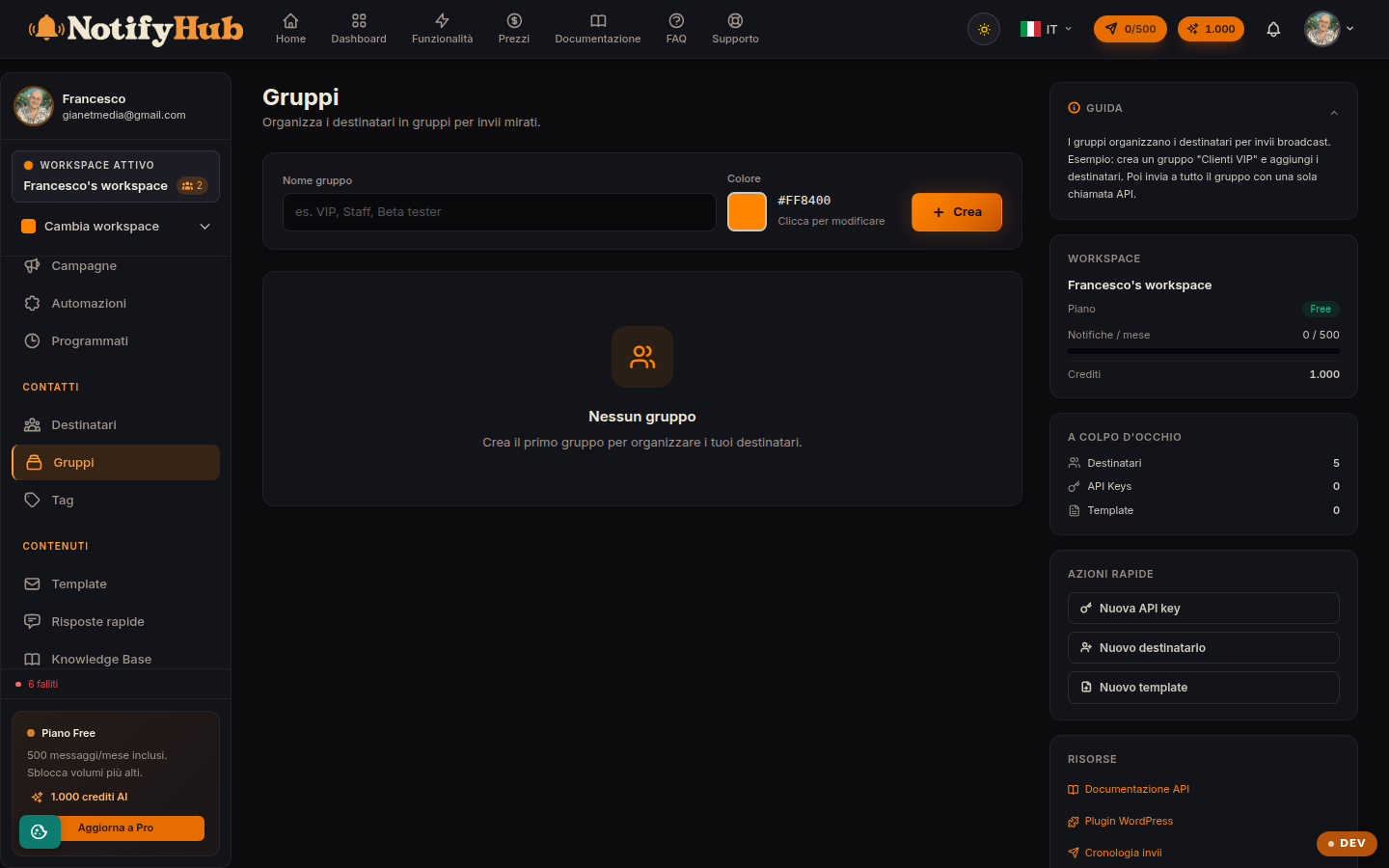
Sets of recipients for targeted sends: VIP customers, newsletter, Milan office.
Key points
Use groups for stable sets (e.g. "Newsletter") and tags for cross-cutting attributes (e.g. "interested in X").
Assign a colour to each group to recognise it at a glance.
Deleting a group does not delete the contacts: it only removes the membership.
What this page is for
Groups gather recipients you want to treat as a single audience: when you create a campaign you can target a group instead of all contacts. Each group has a name and a colour, and the list shows how many members it contains.
How to use it
Create the group with a name and a colour, then open it to add members by picking them from the recipients directory; from the same screen you remove whoever should no longer belong. A contact can belong to several groups at once. For dynamic segmentation based on contact attributes consider Tags, which combine with filters across the whole portal.