
Tags
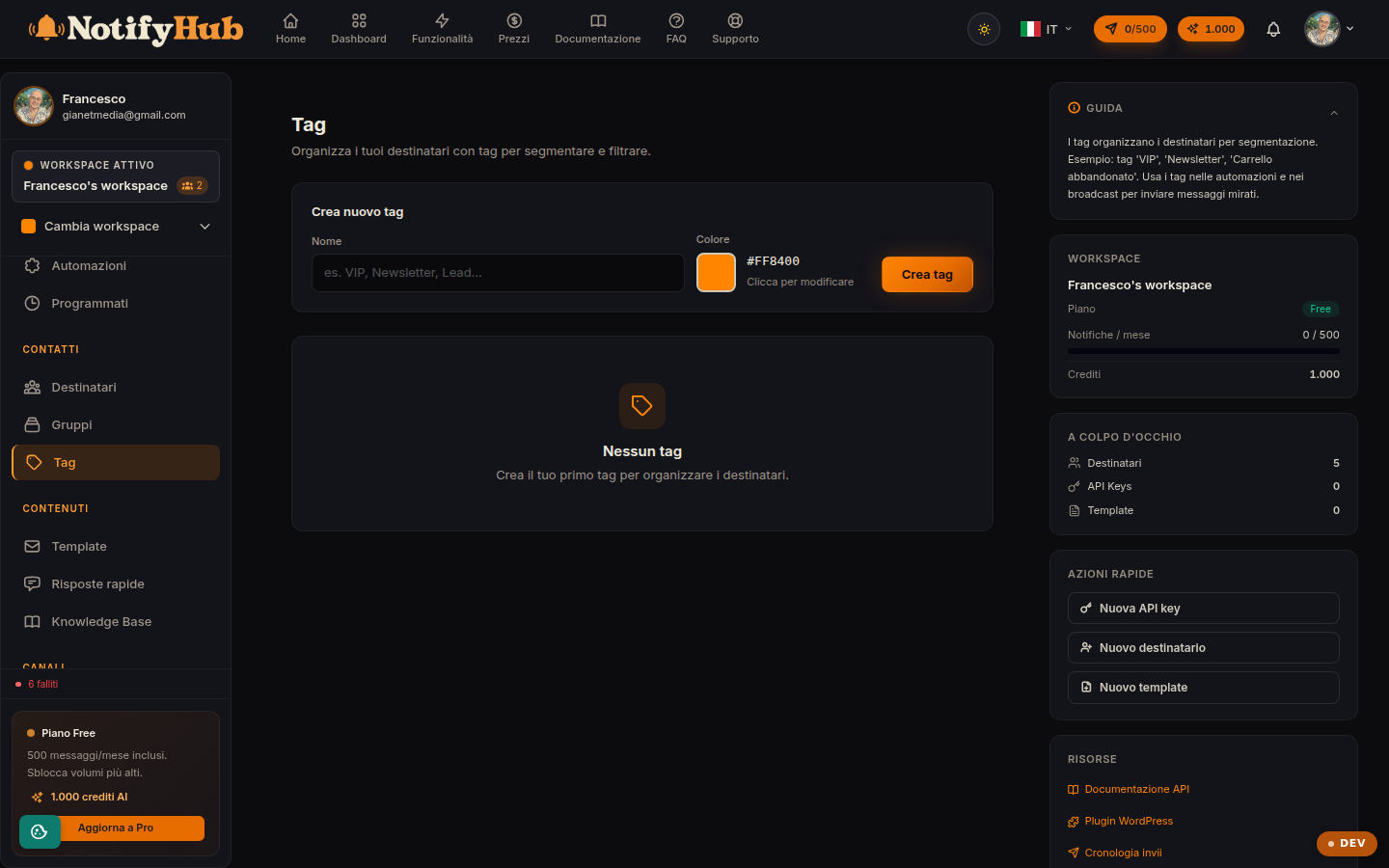
Coloured labels to segment recipients and filter them anywhere in the portal.
Key points
- Define a naming convention before creating dozens of tags: a few clear tags are worth more than many duplicates.
- Tags are also a trigger: the "tag added" automation fires when you label a contact.
- Use colour with purpose (e.g. green = active customer, yellow = prospect) to read the directory at a glance.
What this page is for
Tags are free-form labels you apply to recipients: they describe characteristics, interests or relationship stages (e.g. "vip", "course-lead", "call-back"). The table shows each tag with its colour, the number of labelled contacts and the creation date.
How to use it
Create a tag with a name and a colour, then assign it from the recipients' detail views (or in bulk with multi-assignment). Tags appear as a filter in the directory and as a target in campaigns: you can send a campaign to all contacts with a given tag. Edit or delete tags from this page; deleting a tag removes it from the contacts but does not touch the contacts themselves.
Tags and automations
The "tag added" trigger connects tags to Automations: labelling a contact can start a flow (e.g. "welcome" tag → onboarding sequence). Likewise, an automation step can assign a tag, building segmentations that keep themselves up to date as contacts interact.