
Integrations
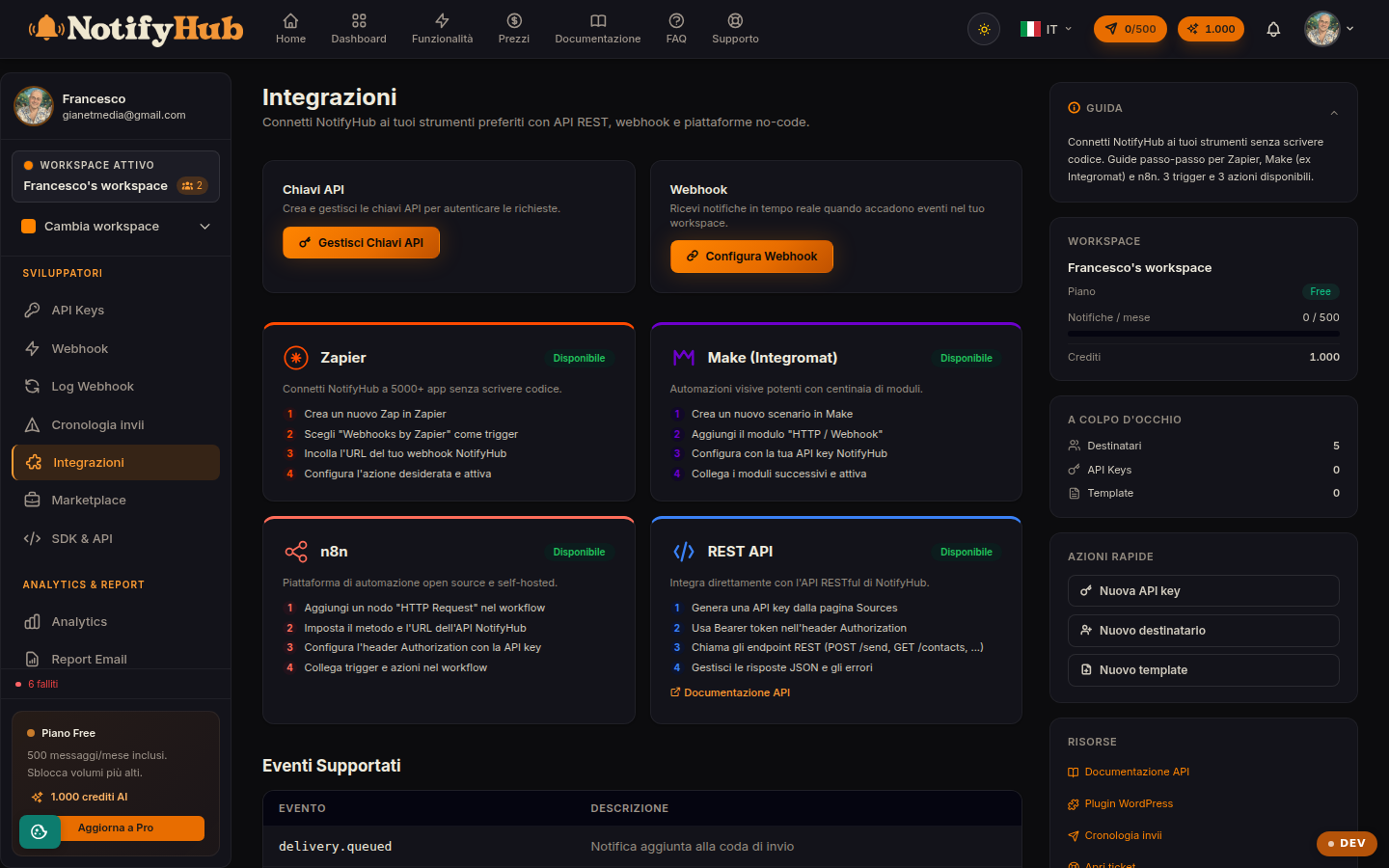
The overview for connecting NotifyHub to your tools: REST API, webhooks and available events.
Key points
- Start with the API key: without an active key no integration can call the API.
- Use the endpoint table as a quick reference (method, path, description) before opening the full documentation.
- Set up a webhook if you want your system to be notified when a delivery status changes, without polling.
What this page is for
Integrations is the starting point for connecting NotifyHub to websites, back-office systems and no-code platforms. It summarises the three building blocks of an integration: API keys (who can call the API), the available REST endpoints (what you can do via the API) and webhooks with their events (how NotifyHub notifies your system).
Endpoints and events
The page lists the REST endpoints with HTTP method, path and description: sending messages, managing contacts, querying deliveries and templates. Below you will find the webhook events table, i.e. the notifications NotifyHub can send to your server when something happens (for example a completed or failed delivery).
How to use it
The buttons on the page take you to the operational sections: "Manage API keys" to create or rotate keys, "Configure webhooks" to register your server's endpoints and "API documentation" for the full developer guide with code examples. For no-code integrations (WordPress, e-commerce) you will find dedicated guides in the documentation hub.