
Templates
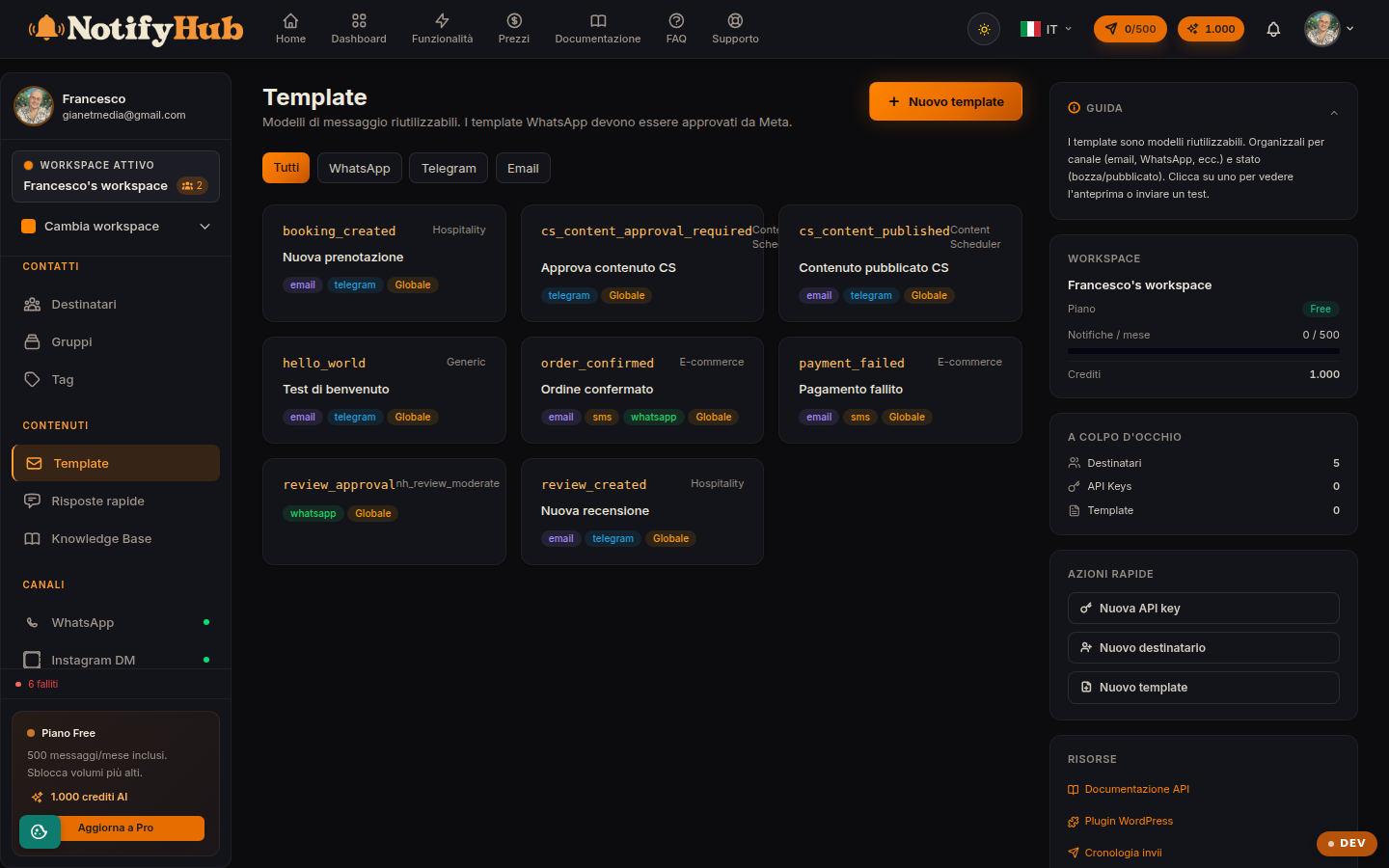
Reusable message templates, with variables and per-channel versions.
Key points
- Use variables (e.g. the contact's name) to personalise messages without writing them one by one.
- Filter by channel: each channel has its own formats and limits, and templates are designed for the channel they target.
- Try the template with a test send to one of your own contacts before using it in a campaign.
What this page is for
Templates are the message models you send with campaigns, scheduled messages, automations and API calls. Defining them once ensures consistent copy and speeds up every send: instead of rewriting the message you only specify the template and the variable data.
How to use it
The list shows the workspace templates (plus any global templates), filterable by channel. You create a template by specifying a name, channel and content with placeholders for the variables; from the detail view you can edit it, delete it or do a test send to see how it really arrives for the recipient.
WhatsApp templates and Meta approval
Proactive WhatsApp messages (outside the 24-hour window after the customer's last message) require templates approved by Meta. Create the template, submit it for approval and wait for the outcome before using it in campaigns: unapproved templates are rejected by the channel at sending time.