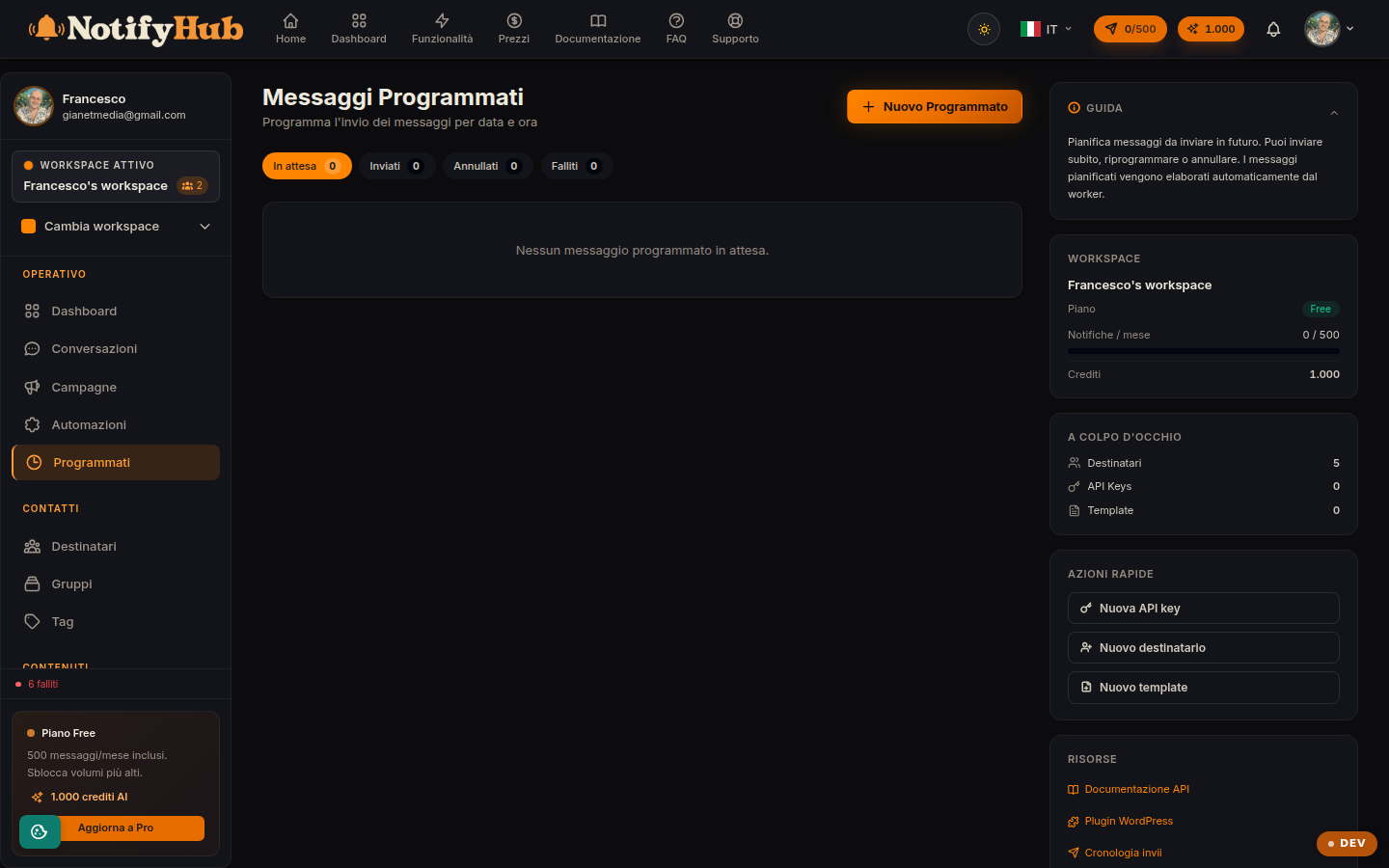
Planned one-off sends: prepare a message today and it will go out at the date and time you choose.
Key points
Check the status column: a scheduled message can still be cancelled or rescheduled until it has been sent.
Use "Send now" if you no longer want to wait for the scheduled date.
For planned sends to many people use Campaigns: scheduled messages are designed for a single recipient.
What this page is for
Scheduled Messages let you plan a single send in the future: choose the recipient, channel, template and date/time, and NotifyHub sends at the right moment. It is handy for reminders, follow-ups and greetings, without having to be online at sending time.
How to use it
The list shows the pending messages with recipient, channel, template, scheduled time and status. With "New" you create a schedule; on pending rows you have three actions: cancel (the message will not go out), send now (it goes out immediately) and reschedule (change date and time). Once sent, the message appears in Deliveries like any other delivery.